
Office Coffee Station Setup: Complete Break-Room Checklist (2026)
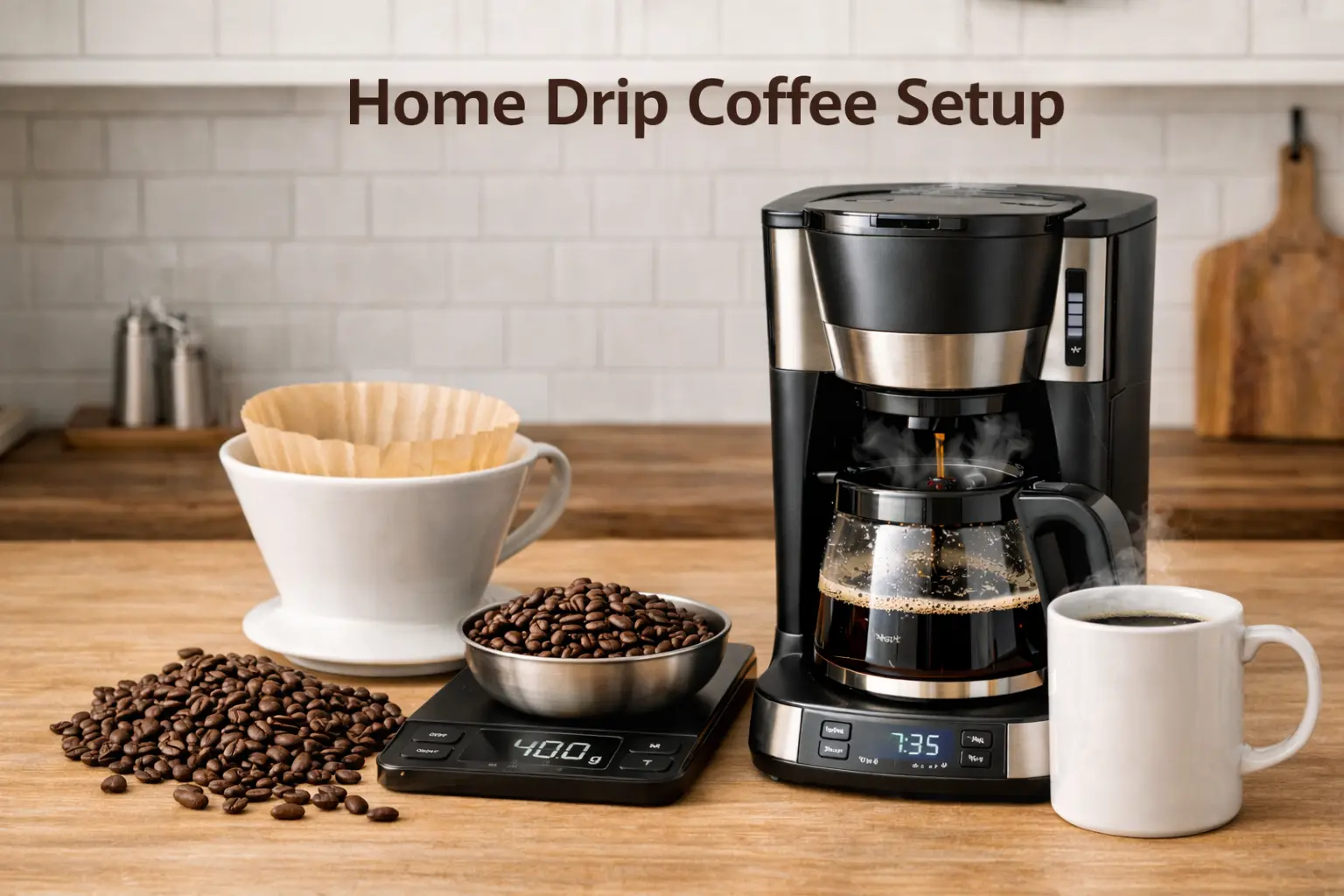
Editorial standards: this guide is built from manufacturer specifications, published maintenance guidance, and practical office workflow, along with owner and reviewer reports. Quantities and reorder points are starting points to adjust to your office. CoffeeGearHub does not claim hands-on testing where it has not occurred.
At a glance
Build the station around the office routine
Choosing the brewing workflow, water, coffee supply, whether to add a grinder, filters and cups, storage, cleaning and descaling, placement, restocking levels, setups by team size, recurring ordering, and common mistakes.
Editorial analysis
The maintenance plan matters as much as the brewer
Most office coffee problems come from unclear ownership rather than the wrong machine. Filters run out, water quality drifts, grinders go uncleaned, and descaling keeps getting postponed until the brewer slows down or the coffee tastes stale.
A good setup starts with one brewing workflow, separates one-time equipment from recurring supplies, and gives a named person or rotation responsibility for restocking and cleaning. Everything else is optional.
The 30-Second Answer
A practical office coffee station needs a brewer, reliable water, coffee, the right filters or pods, cups, organized storage, and a maintenance plan. Choose the brewing workflow first, then add only the accessories that reduce friction or waste.
A filter pitcher such as the Brita 10-cup improves water for small offices, a descaler such as Urnex Dezcal keeps the brewer working, and a burr grinder such as the Baratza Encore is worth adding only if the office will actually use whole beans.
Compare current options
Start with these representative choices
Three additions that solve the most common office coffee problems: water quality, scale buildup, and stale pre-ground coffee.
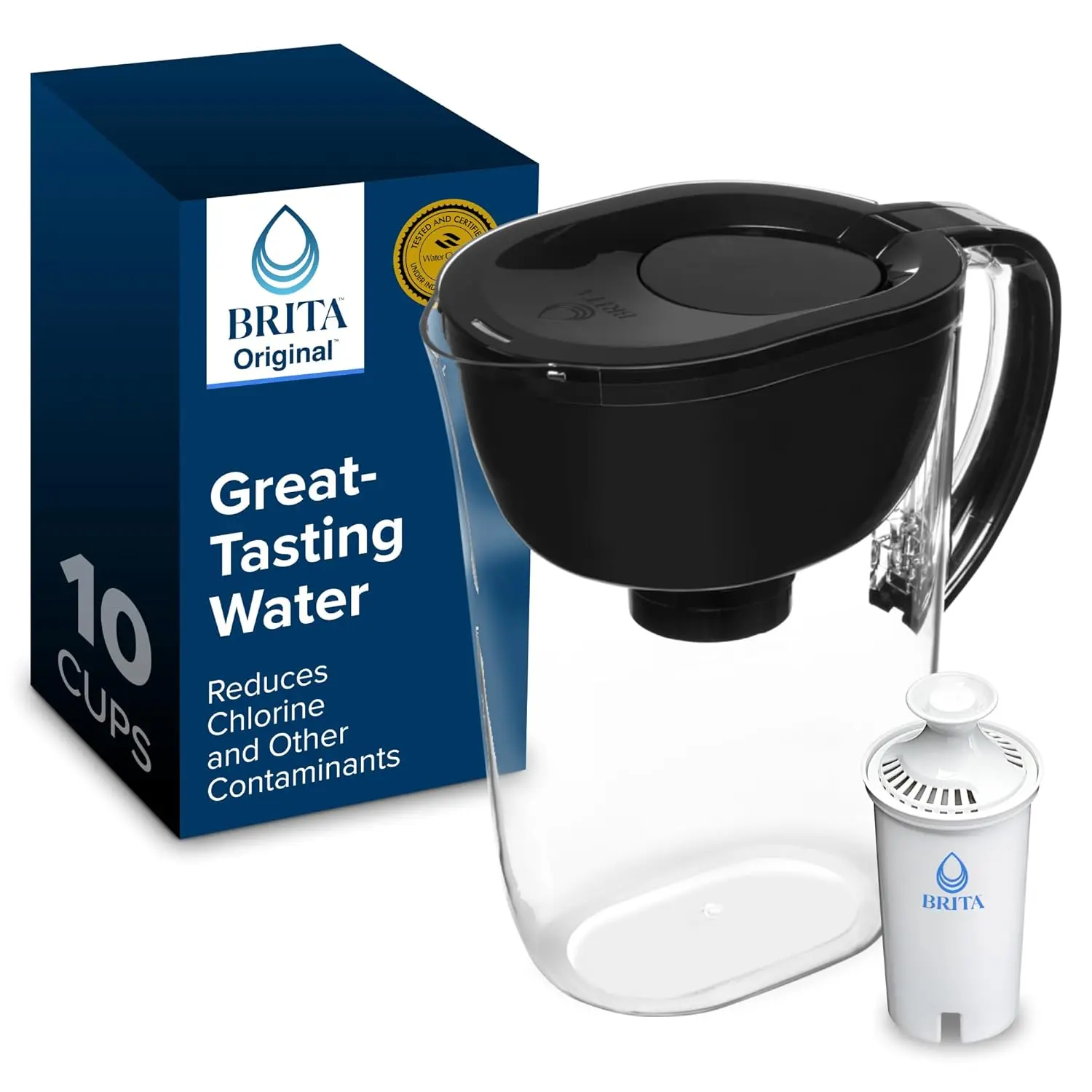
Brita 10-Cup Pitcher — Water
A simple way to improve water taste and consistency when the office has no dedicated filtration.
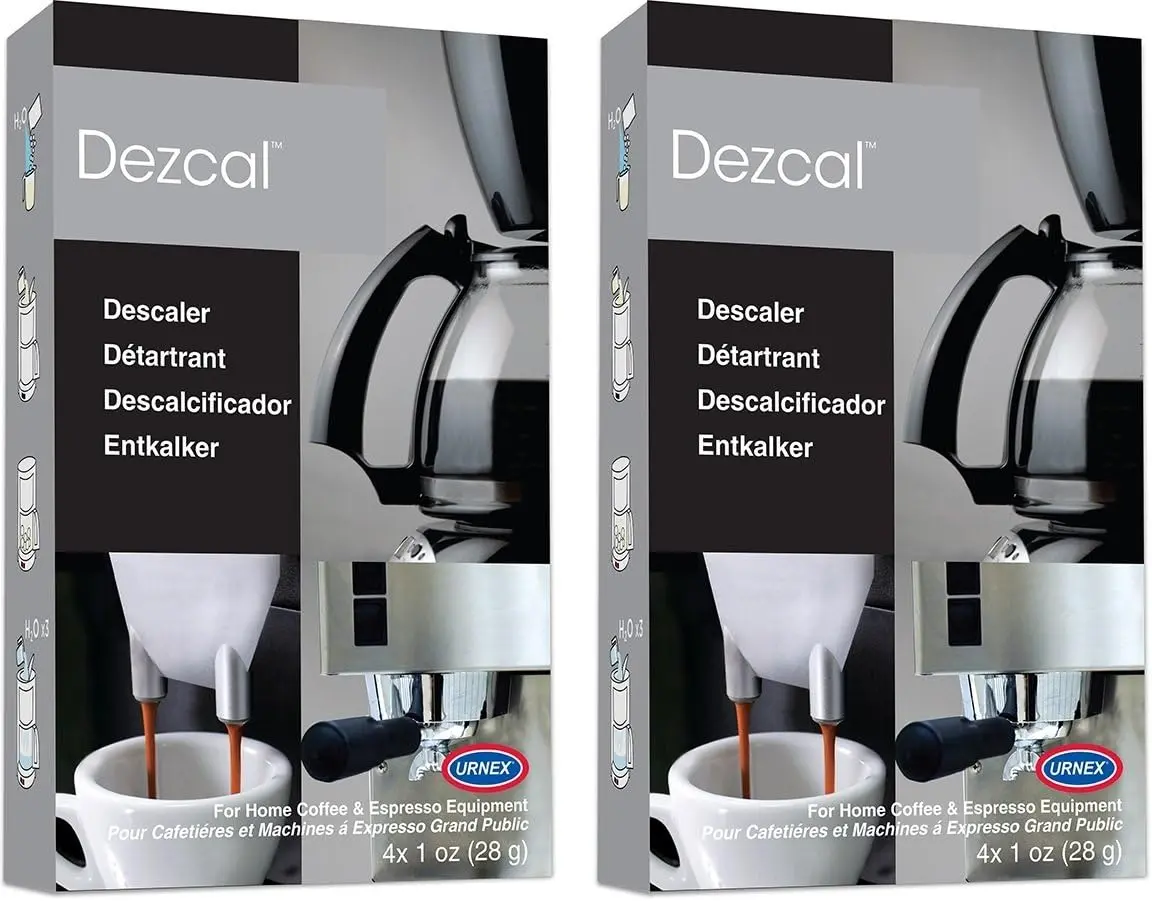
Urnex Dezcal — Descaling
A descaler designed to remove mineral scale from coffee equipment on a regular schedule.
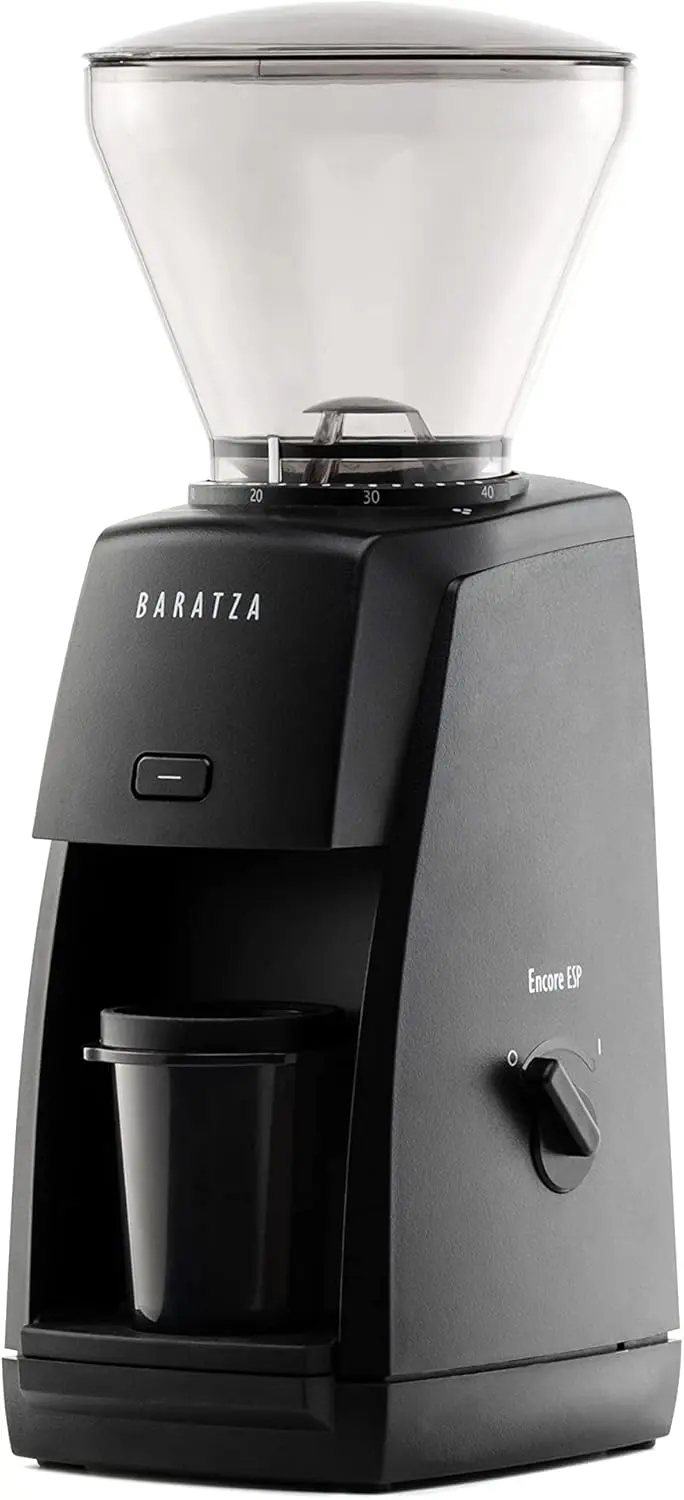
Baratza Encore — Whole beans
A straightforward burr grinder for offices committed to brewing whole-bean coffee.
Affiliate disclosure: Amazon links may earn CoffeeGearHub a commission at no additional cost to you. Prices and availability can change.
Choose the Brewing Workflow Before Buying Supplies
The most common setup mistake is buying accessories before deciding how the office will brew. Start with one of three workflows: single-serve, shared batch, or a hybrid of both. Every other choice, from filters to storage to the cleaning routine, follows from that decision. If the brewer itself is still undecided, our office coffee maker guide and commercial vs home comparison cover the options.
Single-serve suits offices where people arrive at different times or want different roasts, decaf, or tea. A batch brewer is more efficient when most people drink coffee at roughly the same time and the office wants a lower cost per cup. A hybrid supports both but means stocking two coffee formats and maintaining more equipment.
If the office has only three to five regular coffee drinkers, one good brewer and one coffee format almost always works better than a complicated mini café. Keep the first version simple, watch how people use it for a few weeks, and add only what solves a real problem.
Set Up the Water Supply
Water affects both flavor and maintenance. If the office tap water tastes of chlorine or is noticeably hard, filtered water improves the coffee and slows the mineral scale that causes slow brewing and breakdowns. A Brita 10-cup pitcher is a practical option for a small office because it can refill most home-style reservoirs without any plumbing.
Keep the pitcher in the office refrigerator or next to the brewer, and replace the filter on Brita’s recommended schedule, which is easy to forget in a shared space. For larger offices, a water dispenser with filtration or a plumbed brewer with an inline filter may be more practical than refilling pitchers throughout the day.
Choose the Coffee Supply Around How People Drink
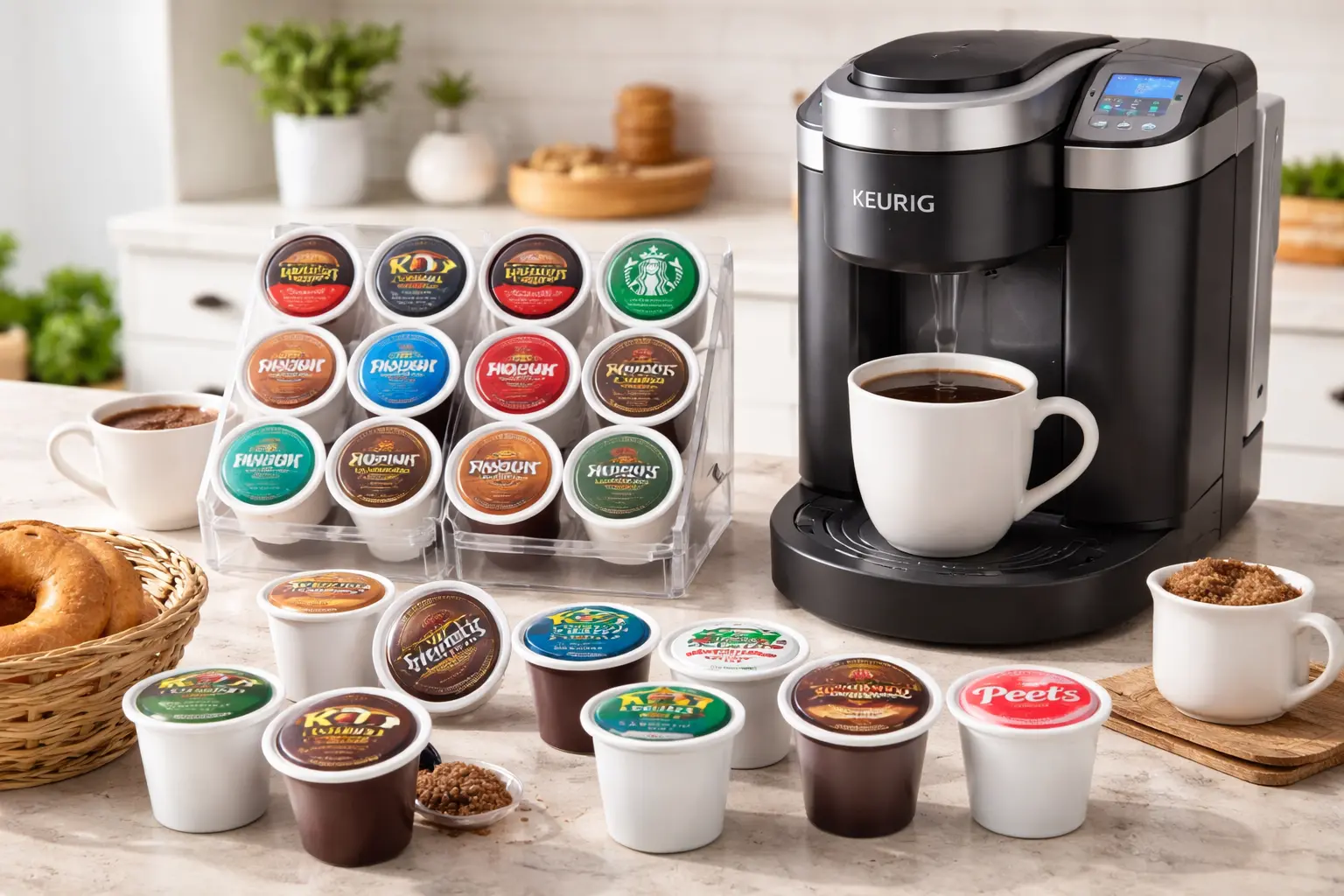
Coffee is the biggest recurring decision. Single-serve offices should stock at least one medium roast, one darker option, and decaf if there is regular demand. During the first few weeks, K-Cup variety packs show what people actually drink before the office commits to large boxes of a single roast.
Batch-brew offices need to choose between pre-ground coffee for simplicity and whole beans for freshness. Pre-ground is easier for a shared space; whole beans taste better but need a grinder and someone to manage it. Our best coffee for Keurig guide covers pod choices by roast, caffeine, and value.
Add a Grinder Only If the Office Will Use Whole Beans
A grinder improves freshness, but it also adds noise, spilled grounds, settings people change, and another item to clean. Do not add one just because whole-bean coffee sounds more premium. It makes sense when someone is willing to own the routine and the office will consistently buy whole beans.
The Baratza Encore is designed for filter-brew grinding and suits a batch-brew office better than an espresso-focused grinder. Set one grind size for the brewer, mark it on the dial, and keep a labeled scoop or small scale next to it so everyone doses the same way. Brush out the burrs regularly, since old grounds go stale and add bitterness.
Stock Filters, Cups, and Condiments Without Overbuying
Paper filters are cheap, but buying the wrong size creates an annoying recurring problem. Confirm the brewer’s basket shape and filter size before ordering in bulk, then reorder the same item. You can compare drip coffee filters on Amazon once you know the size. The same rule applies to cups and lids: standardize one or two sizes rather than filling a cabinet with mismatched pieces.
Start smaller than you think with creamers and sweeteners. Office stations often collect stale or unpopular options because someone ordered variety before measuring demand. Begin with one dairy creamer, one non-dairy option, and one or two sweeteners, then adjust after a month. Encourage reusable mugs where practical, since they cut cup costs and waste.
Use Simple Storage and Organization
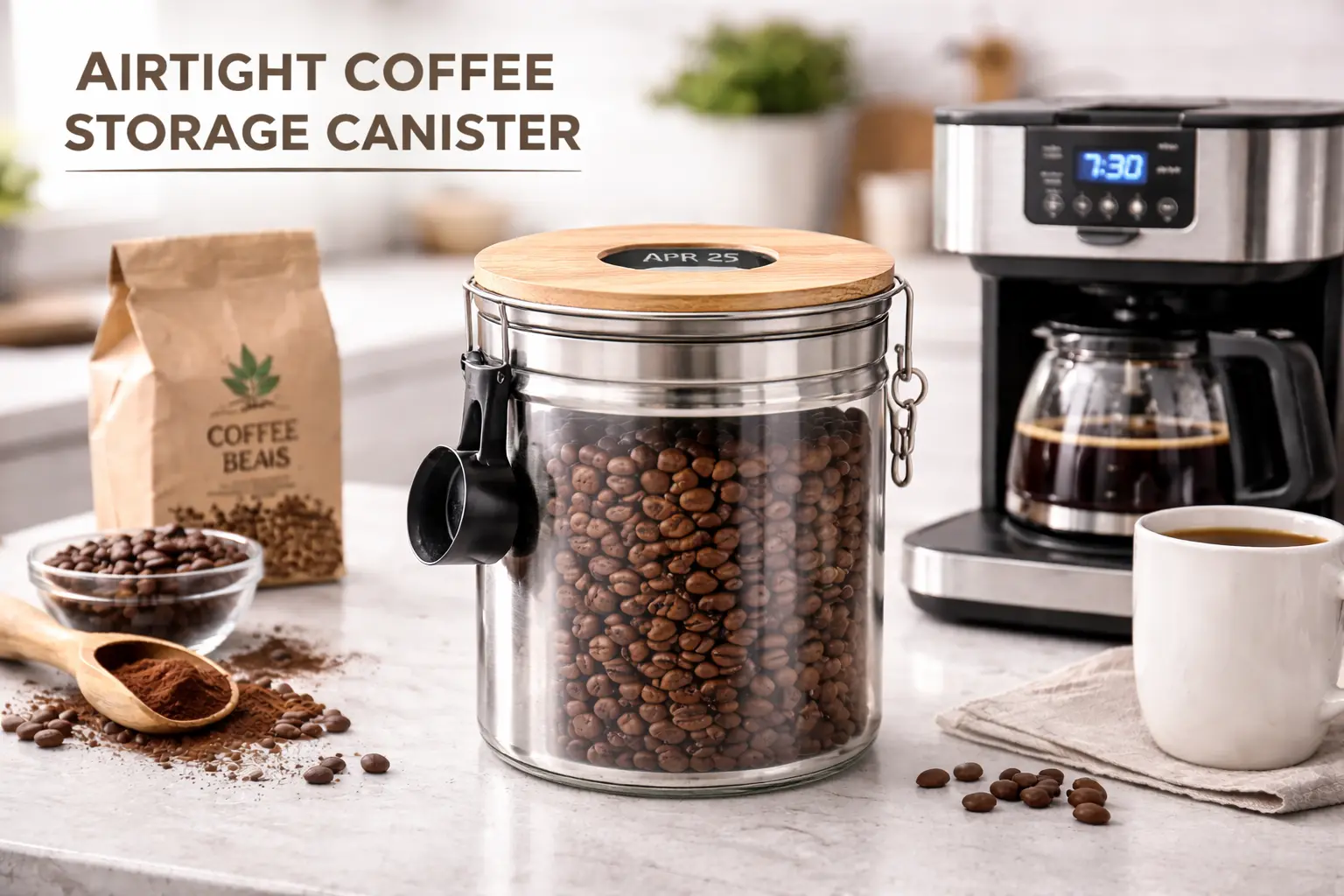
Good organization reduces searching, spills, and duplicate orders. Store whole beans or ground coffee in an airtight coffee canister away from heat and sunlight, and keep pods in their boxes unless an organizer genuinely makes them easier to reach. Avoid storing opened coffee in the refrigerator, where it picks up odors and moisture.
A well-run station usually has three clearly labeled zones: coffee and pods, cups and condiments, and a small maintenance bin with descaler, spare filters, and cleaning supplies. Labeling shelves makes it obvious when something is running low and helps new staff find what they need without asking.
Build Cleaning and Descaling In From Day One
The fastest route to bad office coffee is treating cleaning as somebody else’s job. Set a basic routine: rinse the carafe and removable parts daily, empty used grounds or pods, wipe the station, and descale on the manufacturer’s schedule. In a busy office or with hard water, that may mean monthly descaling.
Urnex Dezcal is designed to remove mineral scale from coffee equipment. Whatever descaler you use, follow the brewer manufacturer’s instructions rather than improvising a cleaning mixture, and run plain water cycles afterward. Our cleaning and descaling guide walks through the process.
Place the Station Where Cleanup Is Easy
The best location is not the prettiest counter but the one where people can refill water, empty grounds, wipe spills, and reach a trash or recycling bin without carrying wet parts across the office. If the station is far from a sink, every cleanup task becomes a chore and is more likely to be skipped.
For a small office, a counter near a sink with a properly grounded outlet and enough clearance for reservoir lids is usually ideal. Leave working space beside the brewer so people can fill a carafe, open a pod compartment, or remove a drip tray without knocking over cups. Keep the coffee area separate from the microwave and refrigerator to avoid a morning bottleneck.
Follow the brewer manufacturer’s electrical requirements and avoid building a permanent setup around overloaded extension cords or power strips. Coffee makers draw significant power, so give them an appropriate outlet of their own, especially if a kettle or microwave shares the same counter.
Set Restocking Levels and Give Someone Ownership
Stations usually fail because supplies run out or nobody feels responsible, not because the brewer was wrong. Assign one person or a simple rotation to check the station on a predictable schedule, and define a reorder point for each consumable that matters. These par levels prevent emergency purchases and make recurring orders easy to manage.
| Supply | Simple reorder trigger |
|---|---|
| Coffee or K-Cups | One unopened backup package remains |
| Paper filters | The backup pack is opened |
| Cups and lids | About one week of normal use remains |
| Water filters | Only one spare remains |
| Descaler and cleaner | No unopened treatment remains |
Do not automate recurring orders until the office has several weeks of usage data. A subscription for the wrong roast or too many cups creates clutter rather than efficiency. Measure first, then automate what is genuinely repetitive, and review quantities every few months as the team changes.
Setups by Team Size
For one to five coffee drinkers, one brewer, one coffee format, filtered water, cups, and basic cleaning supplies are enough. Avoid buying several machines or a wide range of coffees. For five to ten drinkers, a large-reservoir single-serve machine or a 10 to 12 cup batch brewer with a backup coffee supply and organized storage works well, and a tiny reservoir or small bag of coffee quickly becomes a daily chore.
For ten to twenty-five drinkers, commercial-oriented single-serve or a larger batch workflow, bulk consumables, and assigned maintenance are the realistic starting point; lightly built home equipment struggles under nonstop demand. Customer-facing areas and waiting rooms need simple controls, easy cleanup, and individually served drinks or a managed carafe, not grinder-and-scale routines that visitors must figure out.
Recurring Ordering: Separate Equipment From Consumables
Office coffee is easier to manage when the shopping list is split in two. Equipment includes the brewer, grinder, storage, organizers, and water system, which you buy once and replace rarely. Consumables include coffee, pods, filters, cups, lids, creamers, sweeteners, water-filter cartridges, and descaler, and that is where the recurring cost lives.
Track consumables monthly. Once the office knows what it actually uses, larger pack sizes or recurring delivery usually beat frequent small orders. An organizational account helps keep work purchases separate from personal ones, and you can explore Amazon Business or compare Subscribe and Save once the office has identified the items it reorders regularly.
Hygiene and Shared Use
Shared stations need a few extra habits. Wash carafes and reusable mugs with hot soapy water rather than a quick rinse, since coffee oils turn rancid and taint the next batch. Empty drip trays and pod bins daily so they do not develop mold, and wipe handles and buttons that many people touch.
Keep milk and creamers refrigerated and dated, and discard opened dairy promptly. If the office uses reusable K-Cup filters, rinse and dry them after each use. Our reusable K-Cup filter guide covers options that are easier to keep clean in a shared space.
Budgeting and Cost per Cup
Estimate the monthly coffee budget from consumption rather than headcount. Count how many cups the office drinks on a typical day for a week or two, multiply by working days, and add filters, cups, creamer, and cleaning supplies. That figure shows whether single-serve convenience is affordable at your volume or whether a batch brewer would save meaningfully.
Single-serve pods cost noticeably more per cup than ground coffee brewed in a batch, while batch brewing wastes coffee when pots are poured out at the end of the day. Brewing smaller batches more often, or using a thermal carafe so coffee stays drinkable longer, usually cuts waste more than switching brands. Review spending after the first two months and adjust formats and pack sizes accordingly.
Tea, Decaf, and Non-Coffee Options
Not everyone drinks regular coffee, and a station that serves only one roast leaves some colleagues out. A small selection of decaf, a few tea varieties, and hot water for instant drinks covers most preferences without much extra effort. Single-serve brewers make this easy because decaf and tea pods sit alongside regular coffee.
In a batch-brew office, keep a small tin of decaf and brew it on request or in a smaller pot, and provide a kettle or hot-water dispenser for tea. Label decaf clearly on both the container and the carafe, since mix-ups are common in shared kitchens. Keep the range small and replace options nobody uses.
Simple Instructions and Signage
A short, laminated card next to the brewer prevents most user errors. List how much coffee to use, where filters and spare supplies live, how to start a brew, and what to do when the pot or reservoir is empty. For grinders, note the correct setting and ask people not to change it.
Post the cleaning rota and the name of the station owner nearby, along with a simple way to report problems or request a coffee people want. Clear signage reduces the steady stream of questions to whoever set up the station and helps new staff and visitors use it correctly from their first day.
Office Coffee Station Mistakes to Avoid
The first mistake is buying for hypothetical demand. Start with what people already drink and expand after a few weeks of real use, rather than stocking every roast, syrup, and tea someone might want. The second is ignoring ownership; without a named person or rotation, restocking and cleaning slip, and the station declines within weeks.
The third is choosing too many formats. Pods, whole beans, pre-ground coffee, tea, flavored syrups, and several cup sizes can turn a simple station into a supply-management project. One brewing workflow, a small set of supplies, and a clear maintenance routine will serve most offices better than a larger, harder-to-maintain setup.
Equip the Station
Start with water and descaling; add the Encore only if the office will use whole beans.
As an Amazon Associate, CoffeeGearHub earns from qualifying purchases.
Editorial bottom line: Build the office coffee station around one brewing workflow, filtered water, the right filters or pods, simple storage, and a clear maintenance routine with a named owner. Add a grinder only if the office will consistently use whole beans, set reorder points for consumables, and automate ordering only after you know what people actually use.
Frequently Asked Questions
What should an office coffee station include?
At minimum, a brewer, reliable water, coffee, the correct filters or pods, cups, basic storage, and a cleaning plan. Add a grinder only if the office will consistently use whole beans.
Are K-Cups or drip coffee better for an office?
K-Cups suit offices where people want different drinks at different times. Drip coffee is usually more efficient when many people drink the same coffee around the same time and the office wants a lower cost per cup.
Does an office coffee station need filtered water?
Not always, but filtered water helps when tap water tastes of chlorine or is hard, and it slows scale buildup in the brewer. Follow the brewer manufacturer’s water and maintenance guidance.
Should an office buy a coffee grinder?
Only if the office will buy whole beans consistently. A grinder improves freshness but adds noise, cleanup, and another step, so pre-ground coffee is often the simpler choice for a shared space.
How often should an office coffee maker be cleaned?
Rinse carafes and removable parts daily, wipe the station regularly, and descale on the manufacturer’s schedule, which may be monthly in a busy office or with hard water. Shared machines need more attention than home brewers.
Who should be responsible for the office coffee station?
Assign a named person or a simple rotation for daily cleanup, weekly restocking, and monthly descaling. Clear ownership prevents most of the problems offices blame on the machine.
Sources and Further Reading
Product details come from Baratza’s published Encore documentation, Brita’s pitcher specifications, Urnex’s Dezcal instructions, and Keurig’s published brewer documentation. Grinder guidance draws on Baratza published information, and brewing references follow the Specialty Coffee Association’s brewing standards. CoffeeGearHub did not set up these products in an office; recommendations draw on published information and owner and reviewer reports.
CoffeeGearHub product shortlist
Continue with related products on CoffeeGearHub
Review product categories and current verified merchant offers on CoffeeGearHub before leaving the site.
Continue Learning
In this guide
- The 30-Second Answer
- Choose the Workflow
- Water Supply
- Coffee Supply
- Grinder or Not
- Filters, Cups, Condiments
- Storage
- Cleaning and Descaling
- Placement
- Restocking Levels
- Setups by Team Size
- Recurring Ordering
- Hygiene and Shared Use
- Budget and Cost per Cup
- Tea and Decaf
- Instructions and Signage
- Mistakes to Avoid
- FAQ
- Sources
- Continue Learning